Style guide
UI text should be understandable by anyone, anywhere
UX writing best practices · Word choice · Grammar and punctuation
This style guide is specific to English-language UX writing. Google generally follows Associated Press (AP) style.
Skip periods and unnecessary punctuation
To help readers scan text, avoid using periods and other unnecessary punctuation.
Avoid using periods to end single sentences, particularly in:
- Labels
- Tooltip text
- Bulleted lists
- Dialog body text
- Hyperlinked text
Use periods on:
- Multiple sentences
- Long or complex sentences, if it suits the context
Do
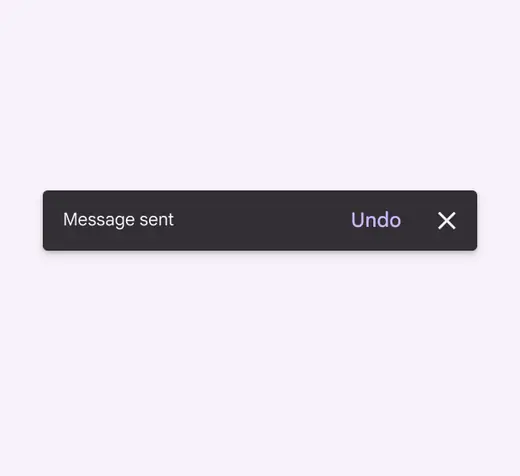
Omit punctuation on single-line sentences
Don't
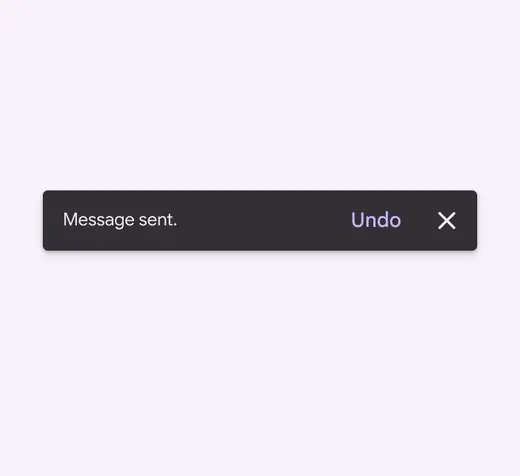
Avoid using periods to end single sentences
Use contractions
Contractions can make a sentence easier to understand and scan.
However, sometimes "do not" can give more emphasis than "don't” when caution is needed.
Do
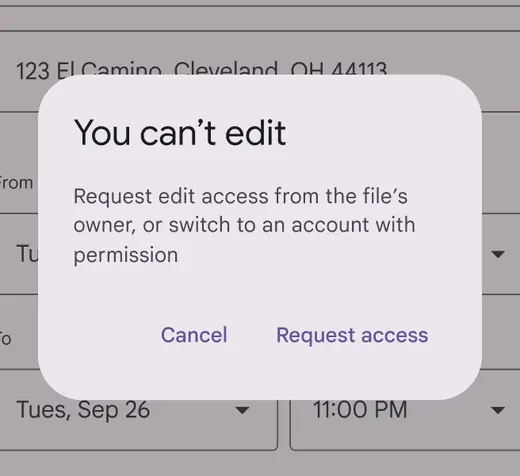
Avoid spelling out words that can be contractions
Don't
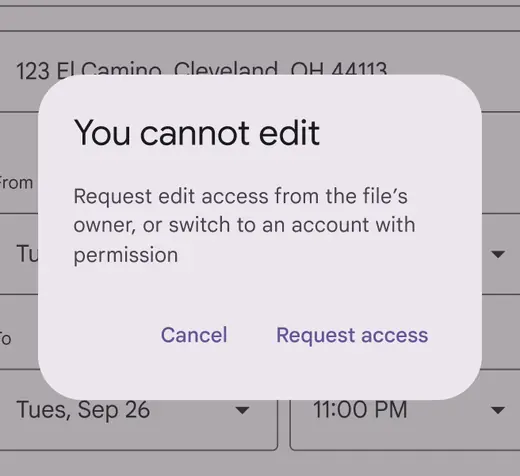
Phrases that aren’t contracted can feel stiff or overly formal
Use serial commas
Use the serial (or Oxford) comma, except before an ampersand.
Always place commas inside quotation marks.
Do
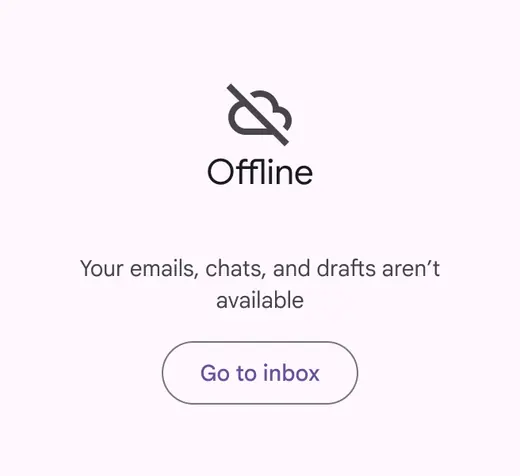
Use a serial comma in lists of three or more items
Don't
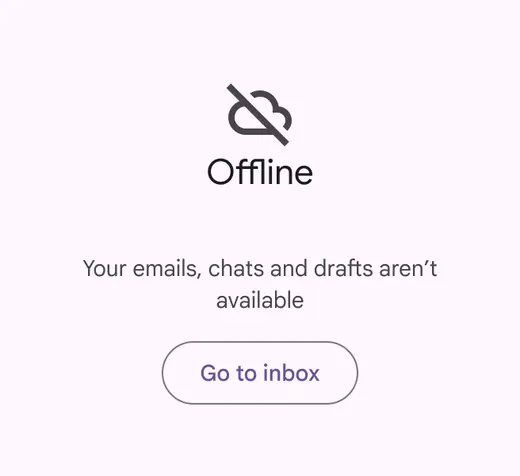
Don’t skip serial commas before “and”
Use commas for numbers between 1,000 and 1 million
Use commas for numbers over 1,000. Don’t use commas when identifying something, such as a:
- Street address
- Radio frequency
- Year
For numbers over 1 million, comma use depends on context. “Million” can be abbreviated with with “M” and the value can be rounded when the intent is to give people a sense of the volume, rather than the exact numbers.
Do
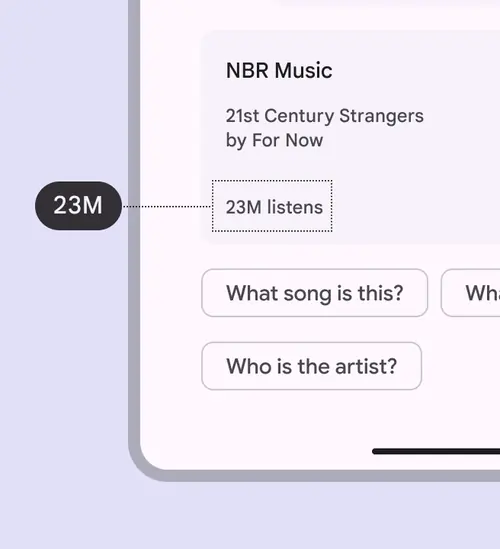
Abbreviate “million” with “M” and don’t use commas when giving people a sense of volume
Do
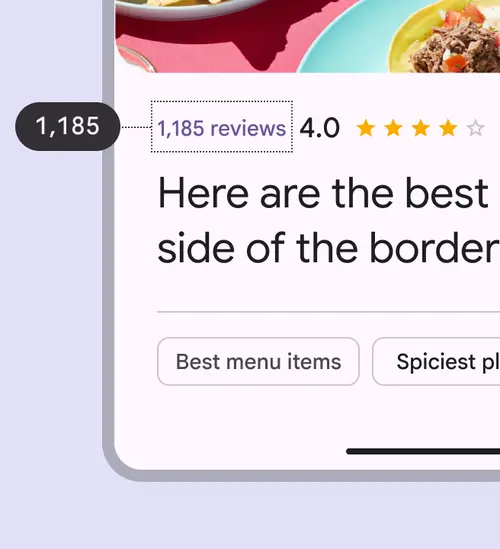
Use commas in numbers between 1,000 and 1 million
Skip colons in headings
For headings on lists of items, do not use colons. For lists within body text, use a colon.
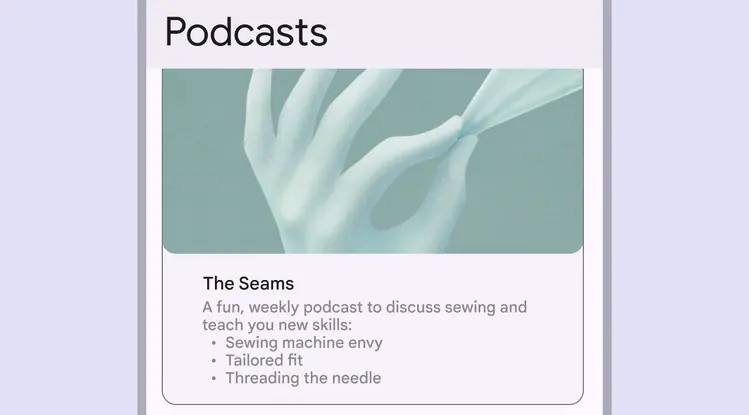
Use colons for lists within body text
Use exclamation points sparingly
Exclamation points can come across as shouting or overly friendly. Some exceptions include greetings or congratulatory messages.
Do
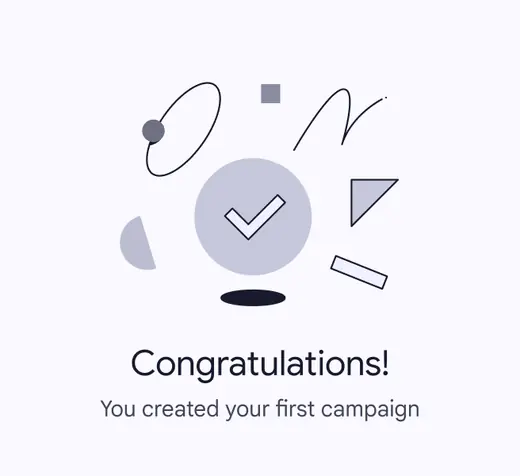
Exclamation marks can be used to emphasize celebratory moments
Don't
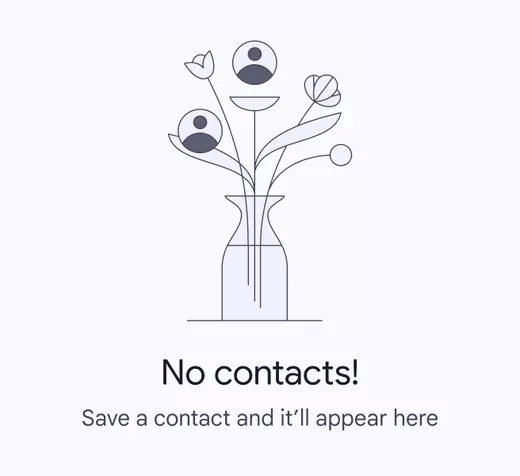
Avoid using exclamation marks for empty states and common tasks. Save it for bigger accomplishments.
Use ellipses sparingly
Use ellipses to indicate an action in progress or incomplete text. Truncated text may appear with ellipses, but check with your engineering partners before implementing, as this often happens automatically.
Don’t add a space before ellipses. Omit ellipses from menu items or buttons that open a dialog or start a process.
Do
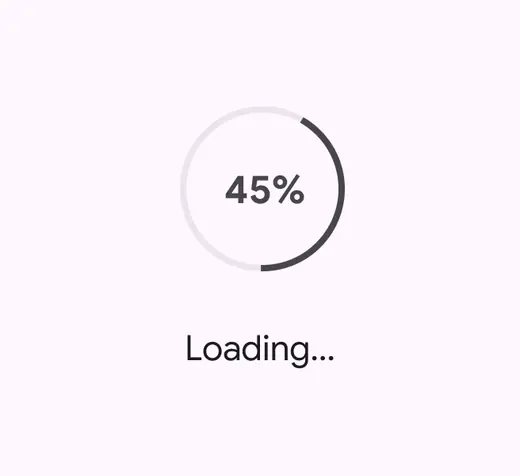
Ellipses show an action in progress
Don't
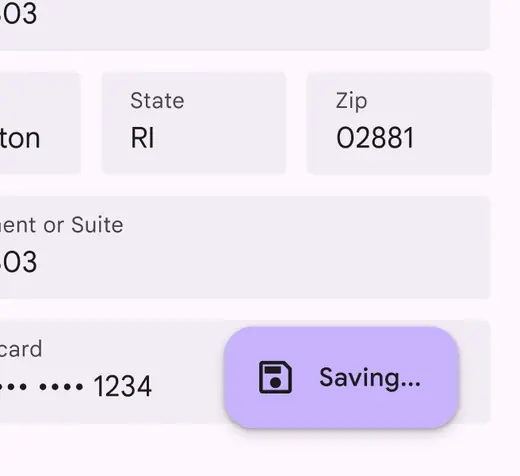
Don’t use ellipses in buttons or menu items
Use parentheses to define terms
Parentheses can be used to define acronyms or jargon or when referencing a source. They shouldn’t be used when adding a side note or an afterthought of a sentence.
Do
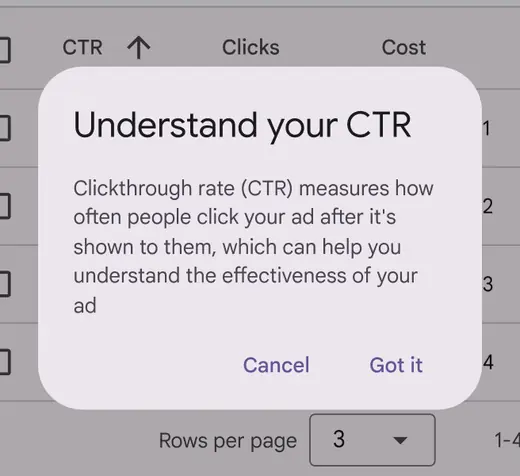
Use parentheses to define terms and jargon
Don't
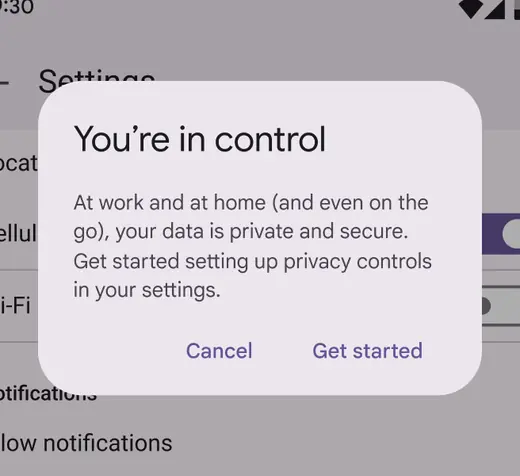
Don’t use parentheses to add extra thoughts. If information is needed, include it in the sentence without parentheses for easier scanning and improved comprehension.
Skip ampersands in body text
The “&” symbol can be used instead of “and” in headlines, column headers, table headers, navigation labels, and buttons. However, when there’s room, spelling out “and” can improve readability and make scanning easier.
“And” should be spelled out in sentences and paragraphs, before the final item in a 3+ item list, and in email subject lines.
Caution
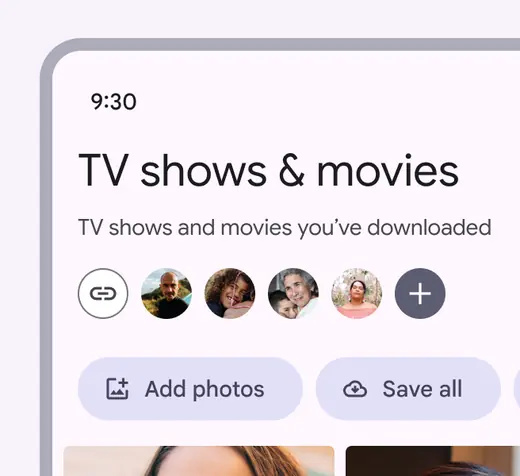
Ampersands can be used in headlines where there's limited space
Don't
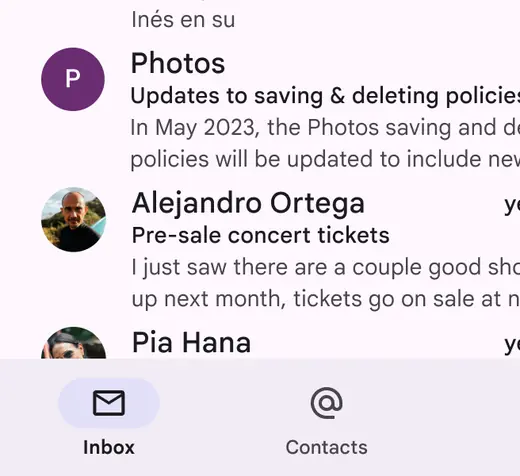
Avoid ampersands in email subject lines
Use dashes with caution
Dashes and hyphens can interrupt a sentence and lead to a fragmented experience, so they should be used with caution. There are three kinds of dashes:
- Em dash: —
- En dash: –
- Hyphen: -
Em dashes are best avoided in UX writing, as they indicate a break in the flow of a sentence that could be simplified using a comma, period, or new sentence.
Use an en dash without spaces to indicate a range, such as 9 AM–Noon.
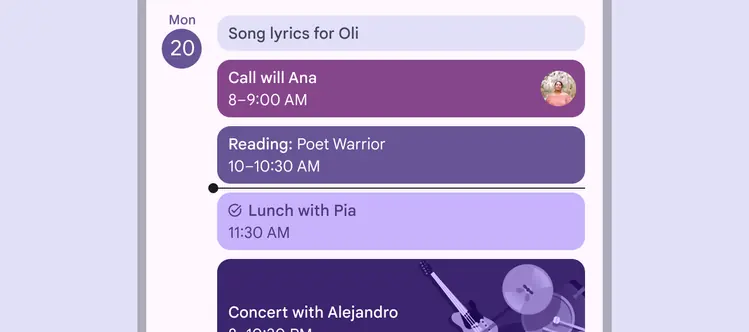
Use an en dash without spaces for ranges
Use hyphens with care
Hyphens can help readers better understand how words relate to each other by binding closely related words. They can also be used to represent negative numbers, such as -100. Spaces should never be used surrounding hyphens.
Refer to the Associated Press (AP) style guidelines if you are unsure whether an adjective or noun phrase needs a hyphen.
| Rule | Examples | Why |
|---|---|---|
| Hyphenate adjective phrases | Case-by-case basis Best-in-class performance Once-in-a-lifetime opportunity | When multiple words are used together as an adjective, they should be hyphenated |
| Hyphenate adjective phrases | Cell phone number Chocolate chip cookie | However, proper nouns and common, easily understood adjective phrases don't need to be, such as "cell phone number" or "chocolate chip cookie" |
| Hyphenate noun phrases A noun phrase is two or more words acting as a noun. These phrases are hyphenated in certain cases: | Sign-off Drive-through Go-ahead | Hyphenate a noun phrase if it contains a verb followed by an adverb |
| Hyphenate noun phrases A noun phrase is two or more words acting as a noun. These phrases are hyphenated in certain cases: | Higher-up Most-read | Hyphenate an adjective phrase that is functioning as a noun |
| Hyphenate noun phrases A noun phrase is two or more words acting as a noun. These phrases are hyphenated in certain cases: | Jack-of-all-trades Stick-in-the-mud | Some noun phrases, especially long or complicated ones, are always hyphenated |
| Don't hyphenate verb phrases A verb phrase is two or more words acting as a verb. These should not be hyphenated. | Look out for falling rocks Please drive in and drop off your car Check in to the room when you arrive | Don't hyphenate a verb followed by an adverb or preposition if it's functioning as a verb phrase. For example, "check in" would not need a hyphen when used as a verb, such as "check in to the room," rather than as a noun, like "the next check-in." Also, note that since "in" is a part of the verb, it can't be combined with "to" to form "into," since check into doesn't mean the same as check in to. |
Use italics sparingly
Italics typically aren't easy to read. When emphasizing text, use bold weight instead.
However, italics can provide unique emphasis when applied to a single word or phrase, like a name or title.
Do
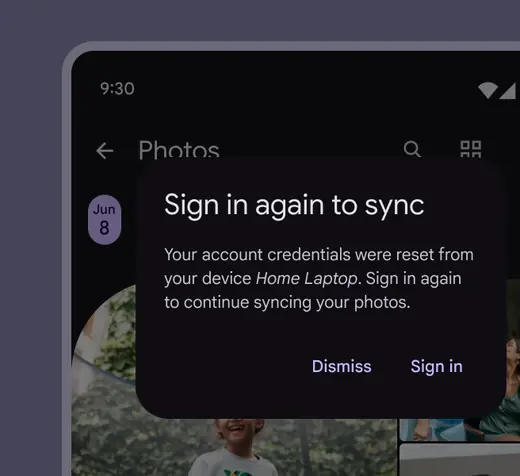
Italicize a word or phrase
Don't
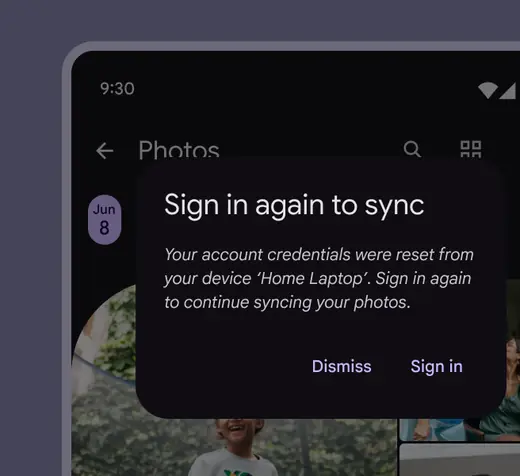
Don’t italicize a sentence
Don’t use caps blocks
Avoid using caps blocks altogether; they're not accessible.
Don't
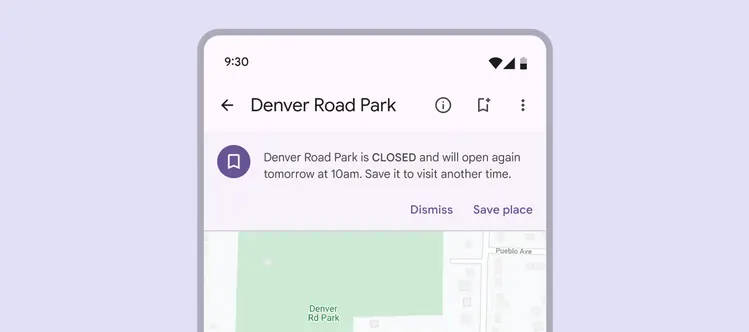
Don't use caps block. Use sentence case for all product text.