Side sheets
Side sheets are surfaces containing supplementary content or actions to support tasks as part of a flow.
Overview · Specs · Guidelines · Accessibility
Use cases
People should be able to dismiss the side sheet using assistive technology.
Interaction & style
Material requires that a close affordance, such as a close icon button, is always present within a side sheet.
Do
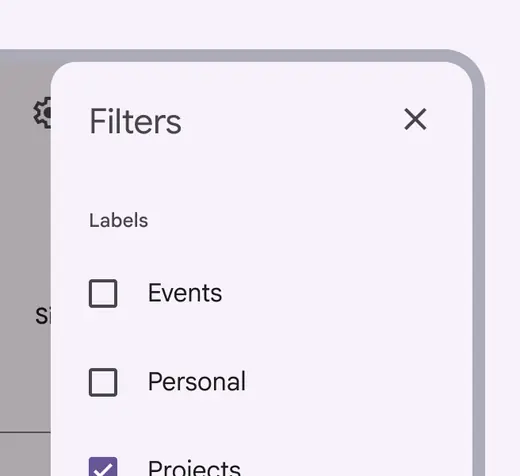
A close icon button makes the side sheet easy to dismiss
Don't
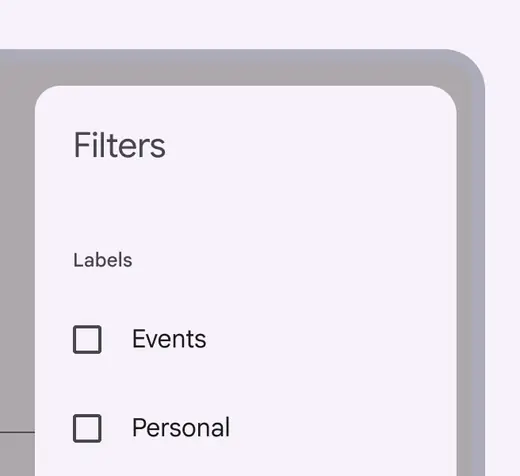
Without a close icon button, people can’t predict the opening and closing flow of side sheets, or know if the sheet is transient or permanent
Initial focus
Actions within a side sheet can be focused by tab order using a keyboard or switch control.
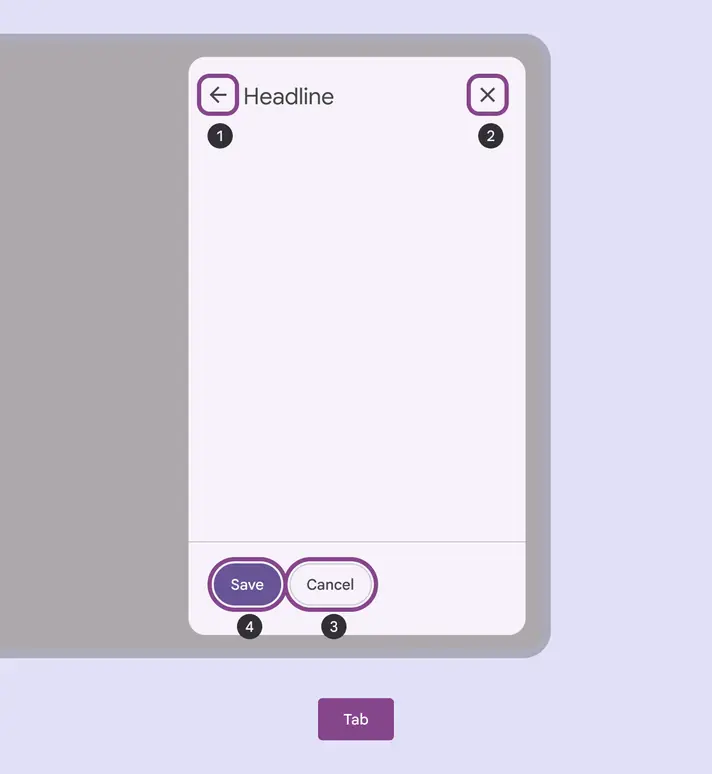
Visible focus shown on the available actions within a side sheet:
- Headline
- Close
- Cancel
- Save
Keyboard navigation
| Keys | Actions |
|---|---|
| Tab | Focus lands on (non-disabled) icon button |
| Space or Enter | Activates the (non-disabled) icon button |
Labeling
The accessibility role for a side sheet is Dialog.
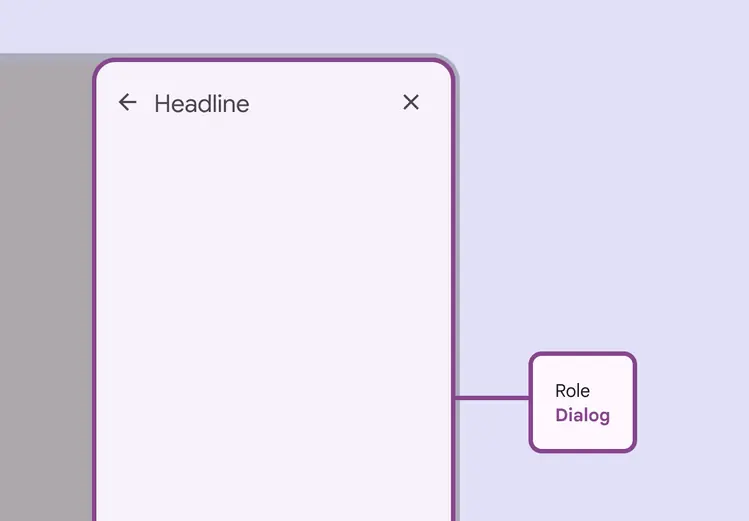
The role for side sheets is Dialog