---
url: /foundations/interaction/states/state-layers.md
description: States show the interaction status of a component or UI element
---
# States
States show the interaction status of a component or UI element
[Overview](overview.md) · **State layers** · [Applying states](applying-states.md)
## State layers
A state layer is a semi-transparent covering on an element that indicates its state. State layers provide a systematic approach to visualizing states by using opacity. A layer can be applied to an entire element or in a circular shape and only one state layer can be applied at a given time.
To transition from an enabled style to a stateful style requires the addition of a state layer.
The state layer is an overlay with a fixed opacity for each state and uses the same color as the content.
For example, if the enabled style uses the **secondary container** color for the container and **on secondary container** for content, the state layer will be an overlay using the **on secondary container** color.
If the enabled style uses the **surface** color for the container and the **primary** color role for content, then the state layer will be an overlay using the **primary** color.
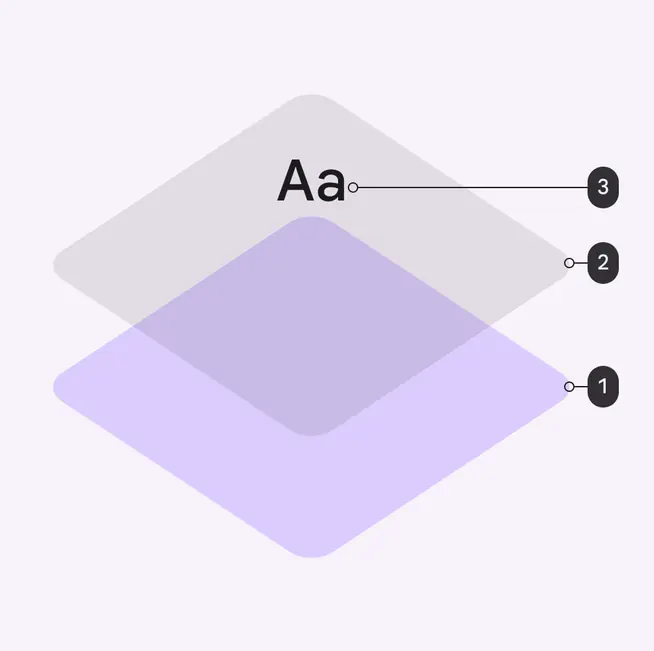
1. Container
2. State layer
3. Content
The size of state layers is 40dp while the interactive target size is 48dp.
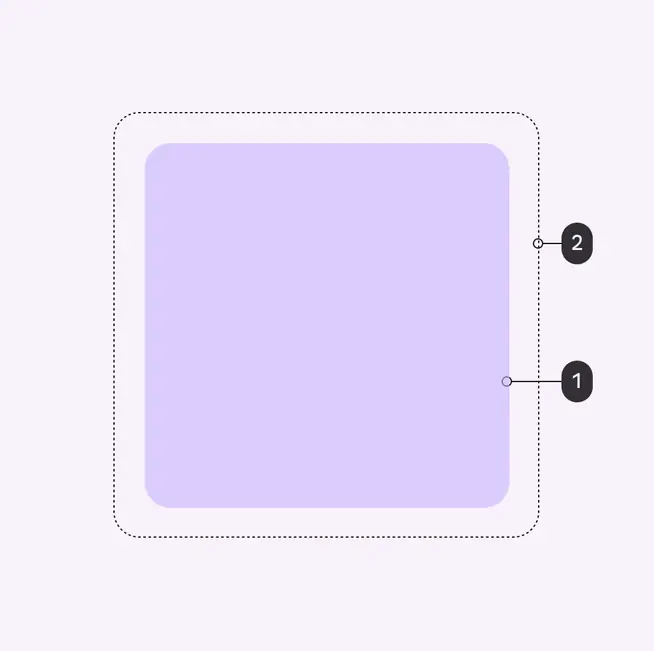
1. State layer
2. Interactive target
### On colors
By default, a component’s state layer color is derived from the color of its content, either the color of an icon or label text if no icon is present.
An [on color](../../../styles/color/roles.md#19e75989-7485-4f5b-a769-940c4e4364bc) is a color role used by the content. Each container color has its own corresponding on color.
For example, if a container color is **secondary container**, the content will use the **on secondary container** color role.
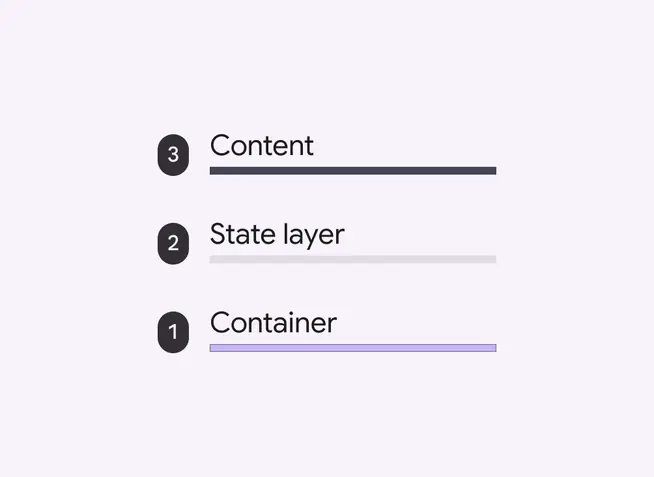
Order of surface layers shows the state layer (2) between the container (1) and content (3) layers
### State layer tokens & values
The state layer uses a fixed percentage for the opacity for each state. A state layer uses the color used by content (usually the [on color](../../../styles/color/roles.md#19e75989-7485-4f5b-a769-940c4e4364bc)) and the percentage opacity for its respective state.
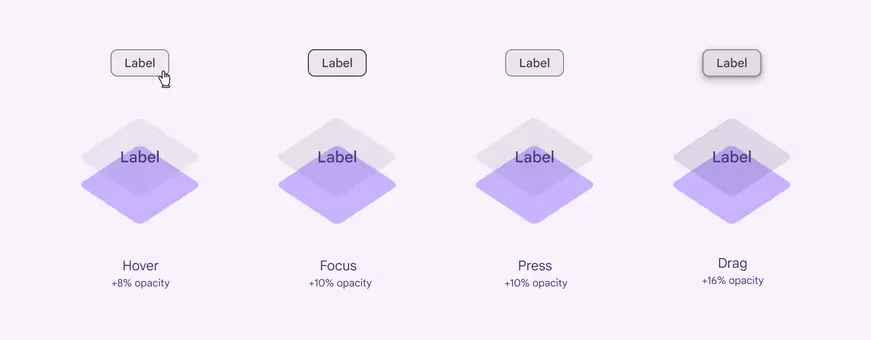
Four overlay states and their values:
1. Hover +8% opacity
2. Focus +10% opacity
3. Press +10% opacity
4. Drag +16% opacity
::: token-table token-type-unspecified-20543ce18892f7d9-1778341c
**State opacities tokens** · 1 token set · 5 tokens · [live token table](https://m3.material.io/foundations/interaction/states/state-layers) · DSDB `TOKEN_TYPE_UNSPECIFIED.20543ce18892f7d9`
* Default context: none
* Not configurable here (group default used): Theme: Light · Platform: Android · Audience: 1P Baseline · Motion scheme: Standard · Font: Static · Contrast: Default · iOS dark theme elevation: None · iOS weight setting: Default · Language height: Small
* Reference chain: aliases from the token to its source value (`token → alias → … → value`). "—" means the token holds a literal value.
**State opacities** · `md.sys.state` · 5 tokens
Opacity values for state layers.
| Group | Token | Type | Reference chain | Resolved value |
| --- | --- | --- | --- | --- |
| All tokens | `md.sys.state.dragged.state-layer-opacity` | Opacity | — | `0.16` |
| All tokens | `md.sys.state.pressed.state-layer-opacity` | Opacity | — | `0.1` |
| All tokens | `md.sys.state.focus.state-layer-opacity` | Opacity | — | `0.1` |
| All tokens | `md.sys.state.hover.state-layer-opacity` | Opacity | — | `0.08` |
| All tokens | `md.sys.state.disabled.state-layer-opacity` | Opacity | — | `0.38` |
:::